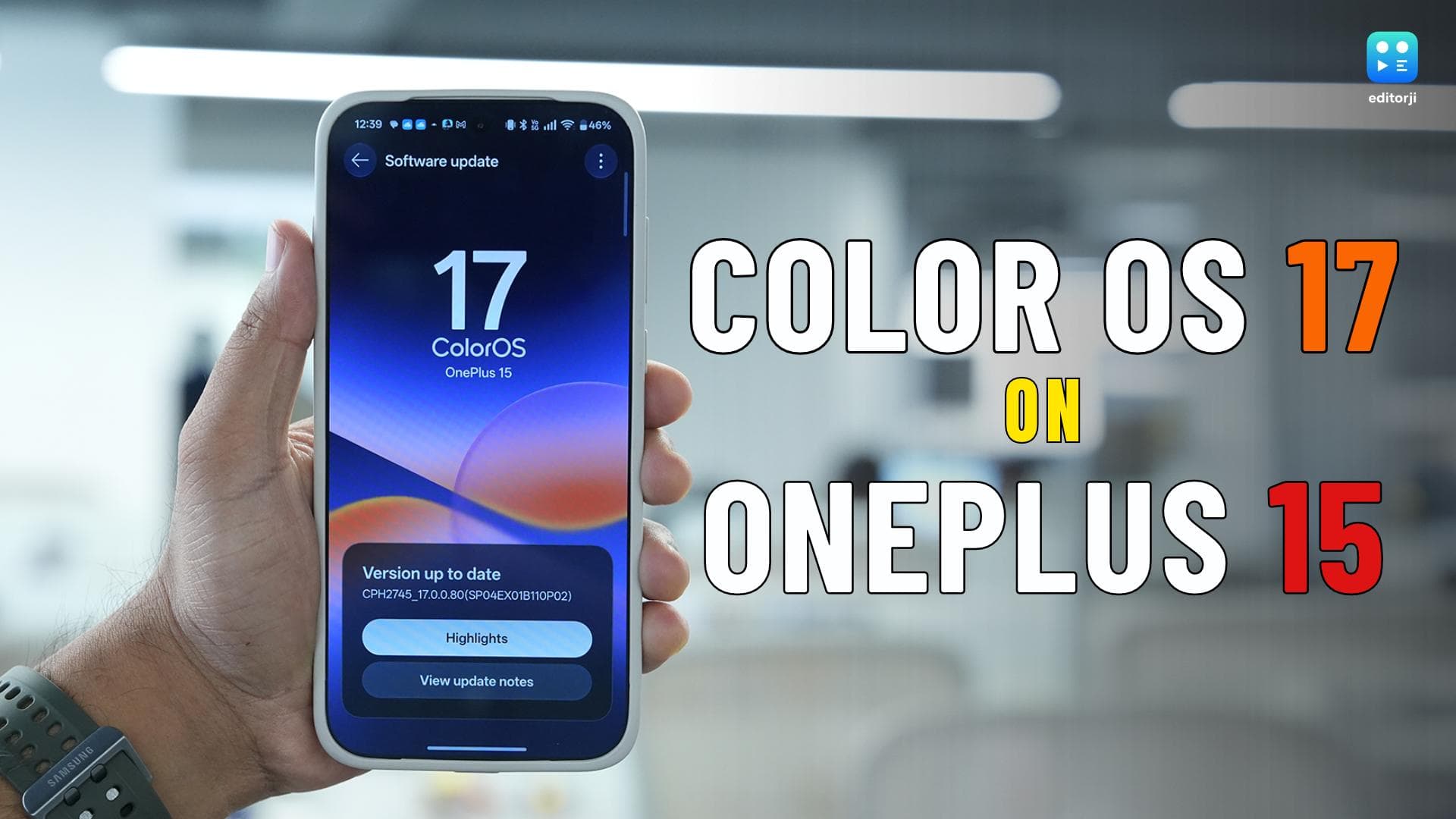
ColorOS 17 is just around the corner, and more than Oppo phones, its about to become a much bigger deal for OnePlus users. When OnePlus confirmed that its phones would shift to Oppo’s software, the obvious question was whether the brand would lose the clean, fast personality that made OxygenOS so popular in the first place.
After spending a few weeks with ColorOS 17 on the OnePlus 15, I do not think that is what is happening. Yes, this is unmistakably Oppo’s software now. The visual style, AI tools and many of the smaller interactions carry the same DNA. But OnePlus and Oppo have shared far more than a parent company for years, including their underlying software work. ColorOS 17 simply brings that relationship out into the open.
More importantly, this is not a cosmetic reskin with a handful of AI shortcuts bolted on. The update changes how the interface moves, handles background apps and responds to everyday gestures. It also brings AI features that can sort through files, help edit photos and keep track of travel plans, alongside a stronger focus on scam calls and data security.
There will be OnePlus fans who miss OxygenOS as an identity. That is fair. But based on this first look, ColorOS 17 gives OnePlus phones a more polished and considerably smarter foundation than before.
ColorOS 17: Design Changes
The clearest sign that OnePlus is now moving into Oppo territory is the way ColorOS 17 looks and moves. Oppo calls the new visual direction Living Flow Design, and it is built around translucent surfaces, softer illumination and animations that carry from one screen to the next instead of abruptly stopping and starting.
It is not a drastic reinvention. Your home screen, app drawer and core settings will still be familiar within minutes. The change is in the little details. A new Luminous Effect adds a gentle glow or ripple when you interact with features such as Fluid Cloud music controls, alarms, incoming calls and OnePlus Share. It makes the interface feel a touch more layered without turning every tap into a light show.
The motion system gets a bigger update. Apps, cards and windows now appear to connect and change shape as you move between them, which makes app switching and navigation look less mechanical. The new Living Clock is a good showcase for this. You can move it around and resize it, while the clock itself flows between the Always-On Display, lock screen and home screen. There is also a Mountain Way weather theme that shifts with changing conditions, including rain, snow and sunlight.
ColorOS 17 also adds Flexible Feedback to the notification shade, Control Centre and navigation gestures. A quick swipe has a different weight and response from a slower one, lending the interface a slightly springy feel. It is a small change, but it makes the OnePlus 15 feel alert in day-to-day use.
There is substance behind the visual polish too. Oppo says its new Luminous Rendering Engine can cut rendering load by up to 30 per cent in key situations, while the Laminar Flow Engine improves background management. The company claims more stable app launches, faster Gallery thumbnails and better background-app retention. Those figures are Oppo’s own, but after using it, the phone does feel quicker, smoother and better organised.
ColorOS 17: New And Improved AI Features
AI is usually the easiest part of a software update to dismiss. There are often plenty of promises, a few oddly formal message rewrites and not much else. ColorOS 17 is more ambitious. Its most useful tools are built around finding, organising and making sense of the clutter already sitting on your phone.
AI Mind Pilot is the centrepiece. It can switch between ChatGPT, Gemini and Perplexity depending on the task, while also tapping into information saved in AI Mind Space. The more interesting part, however, is its new Agent Mode.
Say you are planning a holiday and your flight confirmations, hotel vouchers, restaurant bookings and attraction passes are buried across WhatsApp, Downloads and random folders. Agent Mode can find the relevant files, gather them into a single folder, rename them using their contents and dates, then create an itinerary from that information. It can also turn those details into a webpage or presentation. You can use it in a similar way for photos, whether that means finding shots from a specific trip, grouping them around people or places, or picking a picture for a vlog cover. Agent Mode will initially work with ChatGPT and Manus, with more local-file functionality for Manus arriving later.
AI Photo Agent is another welcome addition. Edit Advice looks at an image and suggests possible improvements, while Prompt Edit lets you describe the changes you want in plain language. Style Match takes things a step further by studying the lighting, colour treatment and mood of a reference image, then applying a comparable look to your own photo. It is limited to static images, and availability will vary by market, but it is far more useful than another AI wallpaper generator.
Other tools are designed to save time. AI Mind Suggest can track flights and trains, surface journey updates and flag disruptions. AI Mind Space now supports long-article capture, YouTube links, summaries and Smart Collections. Then there is OSee, a standalone visual AI tool that can identify plants and animals, translate menus, scan documents and recognise QR codes and links.
For OnePlus users, this is the point where ColorOS 17 stops feeling like a name change and starts looking like a meaningful upgrade.
ColorOS 17: Security, Spam Protection And Data Protection
Not every worthwhile software upgrade is meant to be shown off. ColorOS 17’s stronger focus on scam detection and data privacy could matter far more than its flashier AI features, especially as AI-powered fraud becomes more convincing.
The big addition is AI Call Guard, a system-level protection feature designed to spot potential warning signs while you are on a call. It uses on-device AI to look for risks such as synthetic voices and manipulated faces during video calls. Synthetic Voice Recognition can flag signs that a caller may be using a cloned voice, while AI Face Swap Detection looks for visual manipulation in real time. Neither tool can make scam calls disappear overnight, obviously, but this is the sort of protection that should be built into every phone rather than buried inside a third-party app.
ColorOS 17 also puts more emphasis on what happens to the information used by its AI tools. Cloud-powered OnePlus AI features are protected through Oppo’s Private Computing Cloud, while a new Transparency Report records which AI services have accessed data and when. You can view or export this log directly from the phone, and the company says it can be verified through a blockchain-backed system.
There is post-quantum encryption too, protecting information travelling between the device and the cloud. It may sound like security jargon for now, but the point is simple: OnePlus cannot push more AI into people’s phones without also taking responsibility for the data those features handle.
That is why ColorOS 17 feels like more than a visual refresh. It gives OnePlus phones a smoother interface and smarter tools, while also addressing a problem that is becoming impossible to ignore.
Timeline for OnePlus Devices’ ColorOS 17 Rollout
OnePlus will begin the stable ColorOS 17 rollout on October 29, starting with the OnePlus 15 and OnePlus Pad 4. The next batch arrives a day later, on October 30, for the OnePlus 15R, OnePlus 13 and OnePlus 13s.
November is when the update opens up to a much larger part of the OnePlus lineup. The OnePlus Open, OnePlus 13R, OnePlus 12, OnePlus Nord 6, OnePlus Nord CE6 and OnePlus Pad 3 are all scheduled to receive it during the month.
The December rollout includes the OnePlus 12R, OnePlus 12R Genshin Impact Edition, OnePlus 11, OnePlus Nord 5, OnePlus Nord CE5, OnePlus Nord CE6 Lite, OnePlus Pad 2 and OnePlus Pad Go 2. Older Nord models will have to wait a little longer. The OnePlus Nord 4, OnePlus N6, N6R, N6 Lite and OnePlus Pad Lite are currently listed for the first quarter of 2027.
As always, treat these dates as a rollout window rather than a guaranteed download time. OnePlus says the official update will be released in batches, which means availability can vary by region, carrier variant and the company’s development progress. So even if your phone is on the list, it may take a few extra days to show up.