Highlights

  • Chrome's address bar now offers smarter autocompletion

  • Popular sites suggested even if not visited before

  • Automatic typo corrections in Chrome's address bar

Latest news
iQOO Buds Review: Monster Battery and Serious Gaming Chops for under ₹2,000 

iQOO Buds Review: Monster Battery and Serious Gaming Chops for under ₹2,000 

Repo rate today at 5.25%: how long an RBI decision takes to reach your home loan interest rate

Repo rate today at 5.25%: how long an RBI decision takes to reach your home loan interest rate

CMF Buds Neo Review: 35dB ANC, 52-Hour Battery and Incredible Value

CMF Buds Neo Review: 35dB ANC, 52-Hour Battery and Incredible Value

iQOO Z11 Review: A Balanced Mid-Range Powerhouse

iQOO Z11 Review: A Balanced Mid-Range Powerhouse

Samsung Galaxy Watch 9 Review: Familiar, Faster And Better Where It Matters

Samsung Galaxy Watch 9 Review: Familiar, Faster And Better Where It Matters

Samsung Galaxy Watch Ultra2 Review: A Smarter, Tougher and Longer-Lasting Ultra

Samsung Galaxy Watch Ultra2 Review: A Smarter, Tougher and Longer-Lasting Ultra

Gabit Smart Ring Review: A Better Way To Track Your Health? 

Gabit Smart Ring Review: A Better Way To Track Your Health? 

Xiaomi Power Bank 5i 20000 67W Review: A Powerful Travel Companion

Xiaomi Power Bank 5i 20000 67W Review: A Powerful Travel Companion

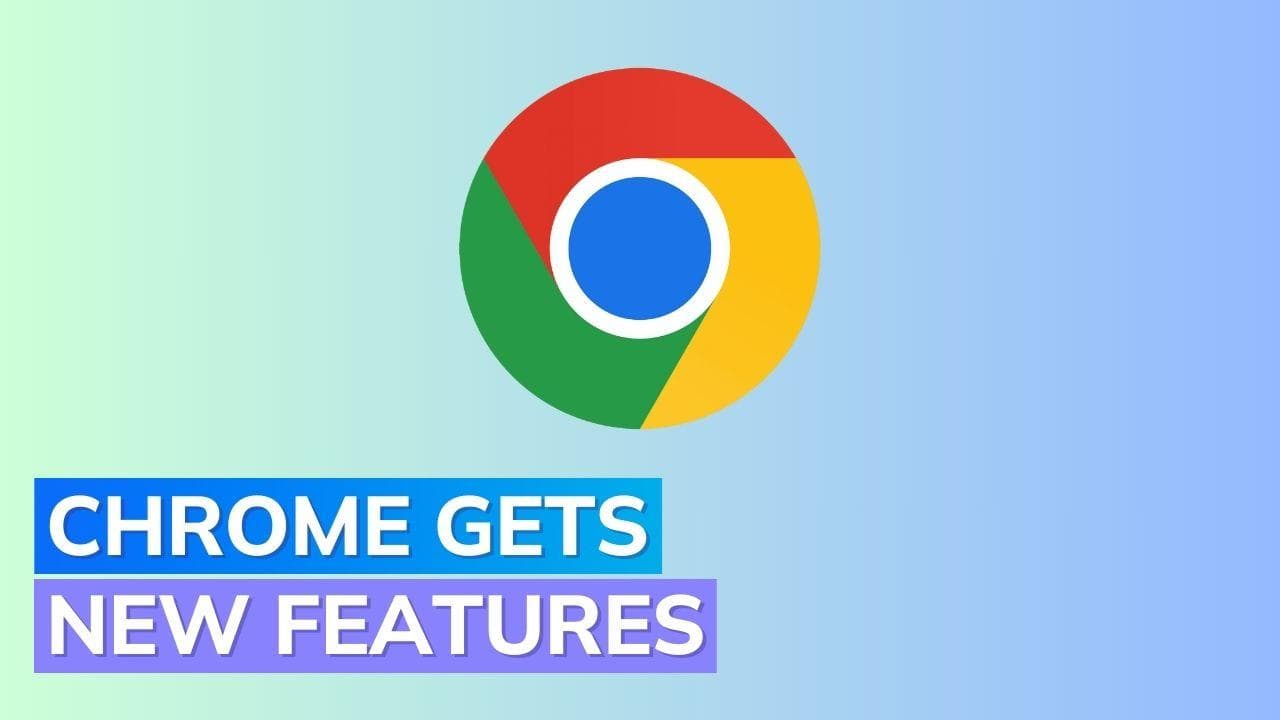
Google updates Chrome's address bar: See what’s new

Google announces five important updates to improve Chrome's address bar functionality.

Google updates Chrome's address bar: See what’s new

Google has recently unveiled significant updates for the address bar of its widely-used web browser, Chrome.

These updates aim to enhance user efficiency and streamline the browsing experience. In this article, we will discuss the five updates introduced by Google.

Smarter Autocompletion

Google has made autocompletion in the Chrome address bar even smarter. Previously, only URLs that were typed correctly from the beginning were autocomplete.

However, now the address bar will autocomplete URLs based on any word previously used to search for a website.

For example, if you had previously searched for "flights'' and landed on Google Flights, the address bar will automatically suggest the Google Flights URL when you search for "flights" again.

This feature is now available on desktop.

Suggested Popular Sites

Chrome's address bar now suggests popular sites, even if users have not visited or mistyped the URL.

For instance, if a friend mentions Google Earth and you start typing "Google Earth" in the address bar, it will be suggested in the dropdown suggestions.

This feature aims to make it easier for users to access frequently visited or talked-about sites.

Automatic Typo Corrections

To further enhance the user experience, the Chrome address bar now features automatic typo corrections.

Regardless of the device used, whether it's desktop, Android, or iOS, typos made in the address bar will be corrected automatically.

This eliminates the need for users to go back and manually correct their mistakes, saving time and improving user satisfaction.

Search Within Bookmark Folders

Google has introduced a new feature that allows users to search within their bookmark folders directly from the address bar.

Users simply need to include the folder name in their search query, and suggestions from that particular folder will be displayed.

This streamlines the process of finding specific bookmarks and enhances organisation for users who heavily rely on bookmarks.

Improved Readability and Responsiveness

The Chrome address bar now offers improved readability and a more responsive experience.

Google has introduced an enhanced visual layout, making the address bar easier to read.

Additionally, the address bar now delivers faster results as soon as users start typing, enabling quicker searches and smoother browsing.

Also watch: WhatsApp beta now supports self-destructing audio messages

Frequently Asked Questions

The address bar now autocompletes URLs based on any word previously used to search for a website. For example, if you previously searched for 'flights' and landed on Google Flights, it will suggest that URL when you search for 'flights' again.

ADVERTISEMENT

Up Next

Google updates Chrome's address bar: See what’s new

Google updates Chrome's address bar: See what’s new

iQOO Buds Review: Monster Battery and Serious Gaming Chops for under ₹2,000 

iQOO Buds Review: Monster Battery and Serious Gaming Chops for under ₹2,000 

CMF Buds Neo Review: 35dB ANC, 52-Hour Battery and Incredible Value

CMF Buds Neo Review: 35dB ANC, 52-Hour Battery and Incredible Value

iQOO Z11 Review: A Balanced Mid-Range Powerhouse

iQOO Z11 Review: A Balanced Mid-Range Powerhouse

Samsung Galaxy Watch 9 Review: Familiar, Faster And Better Where It Matters

Samsung Galaxy Watch 9 Review: Familiar, Faster And Better Where It Matters

Samsung Galaxy Watch Ultra2 Review: A Smarter, Tougher and Longer-Lasting Ultra

Samsung Galaxy Watch Ultra2 Review: A Smarter, Tougher and Longer-Lasting Ultra

ADVERTISEMENT

editorji-whatsApp

More videos

Gabit Smart Ring Review: A Better Way To Track Your Health? 

Gabit Smart Ring Review: A Better Way To Track Your Health? 

Xiaomi Power Bank 5i 20000 67W Review: A Powerful Travel Companion

Xiaomi Power Bank 5i 20000 67W Review: A Powerful Travel Companion

Redmi Note 17 Review: Still Worth the Note Name?

Redmi Note 17 Review: Still Worth the Note Name?

 iQOO Z11 Shows What Useful Smartphone AI Should Look Like

iQOO Z11 Shows What Useful Smartphone AI Should Look Like

Google Launches Pixel 11 Series, Showcases Next-Gen Silicon and Deeper AI Integration

Google Launches Pixel 11 Series, Showcases Next-Gen Silicon and Deeper AI Integration

Marshall Bromley 450 Review: Powerful 360° Sound Meets Iconic Design

Marshall Bromley 450 Review: Powerful 360° Sound Meets Iconic Design

Vivo S2 Review: Massive Battery, Premium Design, Minimal Compromises

Vivo S2 Review: Massive Battery, Premium Design, Minimal Compromises

Samsung Galaxy Z Fold 8 Review: The Foldable That Finally Delivers on the Phone-Tablet Dream

Samsung Galaxy Z Fold 8 Review: The Foldable That Finally Delivers on the Phone-Tablet Dream

Urban Company Launches Native M3 & M3 Pro Water Purifiers: Premium Design Meets 3-Year Zero Maintenance

Urban Company Launches Native M3 & M3 Pro Water Purifiers: Premium Design Meets 3-Year Zero Maintenance

Logitech Launches MK250 Bluetooth Combo and K250 Keyboard in India

Logitech Launches MK250 Bluetooth Combo and K250 Keyboard in India

Editorji Technologies Pvt. Ltd. © 2022 All Rights Reserved.