Highlights

  • Spice up your Republic Day greetings with WhatsApp.

  • Download free stickers from the Play Store.

  • Add these stickers to WhatsApp.

Latest news

Putin hails Ukraine gains, threatens more, in annual press conference
Putin hails Ukraine gains, threatens more, in annual press conference

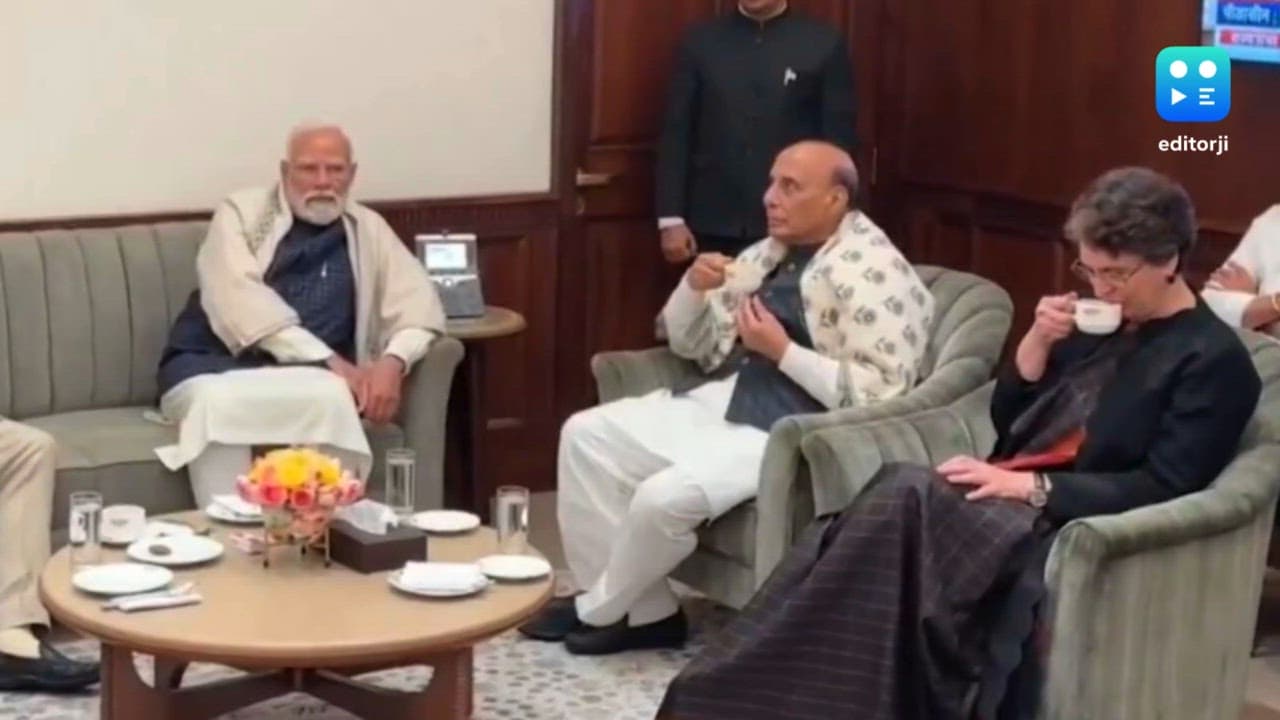
OnePlus Pad Go 2 Review: No drama, just a good tablet  
OnePlus Pad Go 2 Review: No drama, just a good tablet  

Parliament Moment: Priyanka Gandhi shares tea with Rajnath Singh. PM Modi and Om Birla

Parliament Moment: Priyanka Gandhi shares tea with Rajnath Singh. PM Modi and Om Birla

Cold wave deepens in Kashmir as Chillai-Kalan nears, temperatures dip below freezing

Cold wave deepens in Kashmir as Chillai-Kalan nears, temperatures dip below freezing

Pakistan accuses India of attempting to undermine Indus treaty
Pakistan accuses India of attempting to undermine Indus treaty

Vande Mataram discussion in UP legislature to mark 150th anniversary: Yogi Adityanath

Vande Mataram discussion in UP legislature to mark 150th anniversary: Yogi Adityanath

Ashes 2025: Travis Head slams unbeaten 142 to crush England's Ashes hopes

Ashes 2025: Travis Head slams unbeaten 142 to crush England's Ashes hopes

Tipra Motha youth wing protests Bangladesh leader's anti-India remarks in Agartala

Tipra Motha youth wing protests Bangladesh leader's anti-India remarks in Agartala

How to download and send Republic Day 2024 stickers on WhatsApp: A complete guide

People often wish each other on special occasions like January 26 using WhatsApp. Here is how to download special WhatsApp stickers for Republic Day 2024.

How to download and send Republic Day 2024 stickers on WhatsApp: A complete guide

As Republic Day approaches, the enthusiasm for this national celebration is rising. On January 26, people often convey their wishes through messages, and WhatsApp is a popular platform for this. As a widely used messaging app, WhatsApp facilitates connections between people worldwide.

Many people download WhatsApp stickers and quotes for special occasions. To assist you with this, here's a step-by-step guide on how to download Republic Day 2024 WhatsApp stickers, allowing you to share them with your friends.

How to download and send Republic Day 2024 stickers on WhatsApp

Step 1. Go to the Google Play Store and search for Republic Day WhatsApp Stickers.

Step 2. Choose and download a sticker pack from the options available, and open it.

Step 3. Then, tap 'Add', 'Add to WhatsApp', or the '+' button.

Step 4. Confirm the addition by tapping the Add button again on the confirmation popup.

Step 5. After adding the stickers, open any chat window in WhatsApp.

Step 6. In the chat window, navigate to the Stickers section to find the newly added Republic Day sticker pack.

Step 7. Return to WhatsApp, and the Republic Day stickers will be accessible in your sticker gallery.

Step 8. Finally, in a chat window, tap on any sticker from the pack to send it.

Also watch: OnePlus 12 Review

ADVERTISEMENT

Up Next

How to download and send Republic Day 2024 stickers on WhatsApp: A complete guide

How to download and send Republic Day 2024 stickers on WhatsApp: A complete guide

OnePlus Pad Go 2 Review: No drama, just a good tablet  
OnePlus Pad Go 2 Review: No drama, just a good tablet  

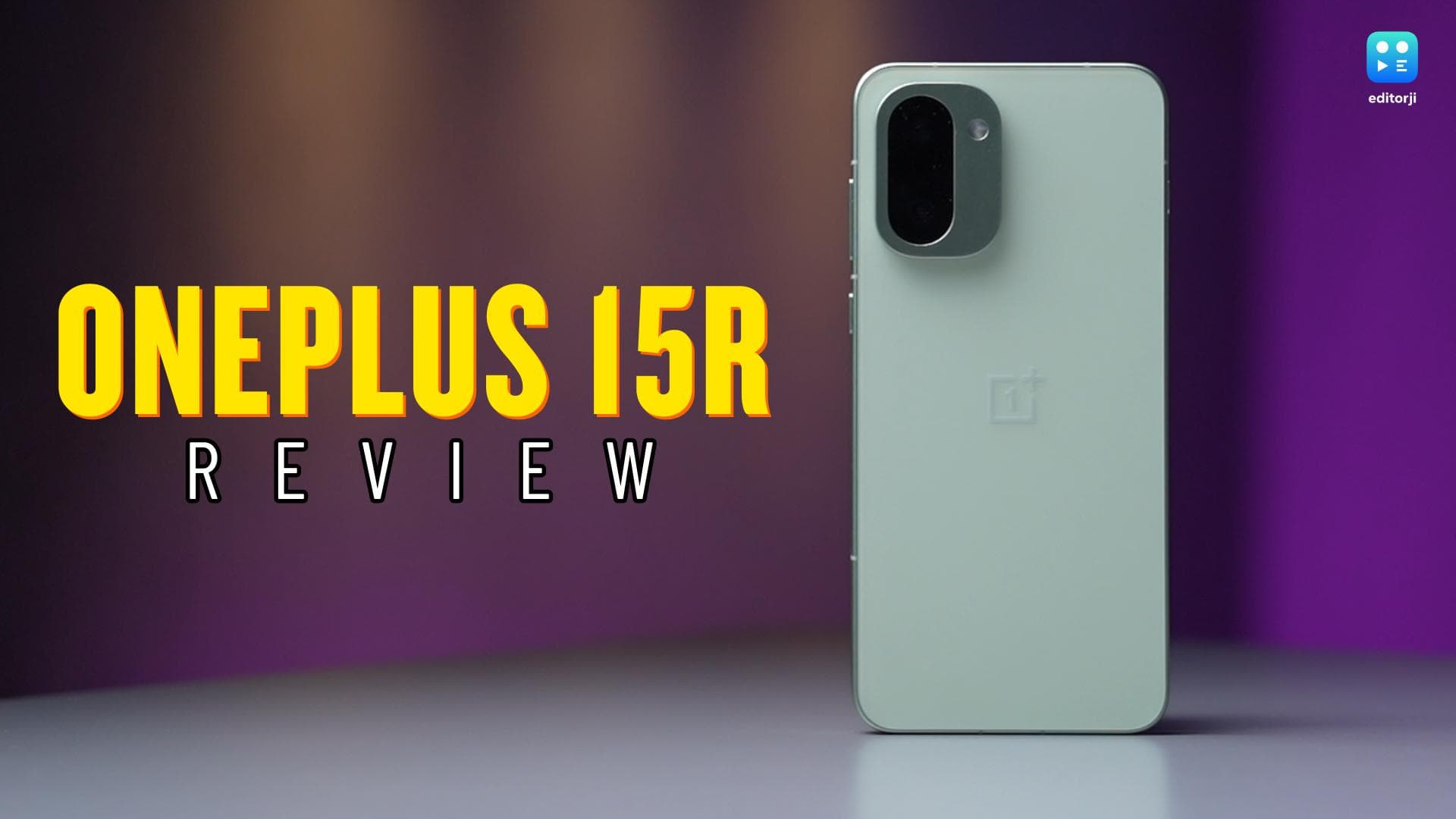
OnePlus 15R review: A clear shift in what the R-series stands for
OnePlus 15R review: A clear shift in what the R-series stands for

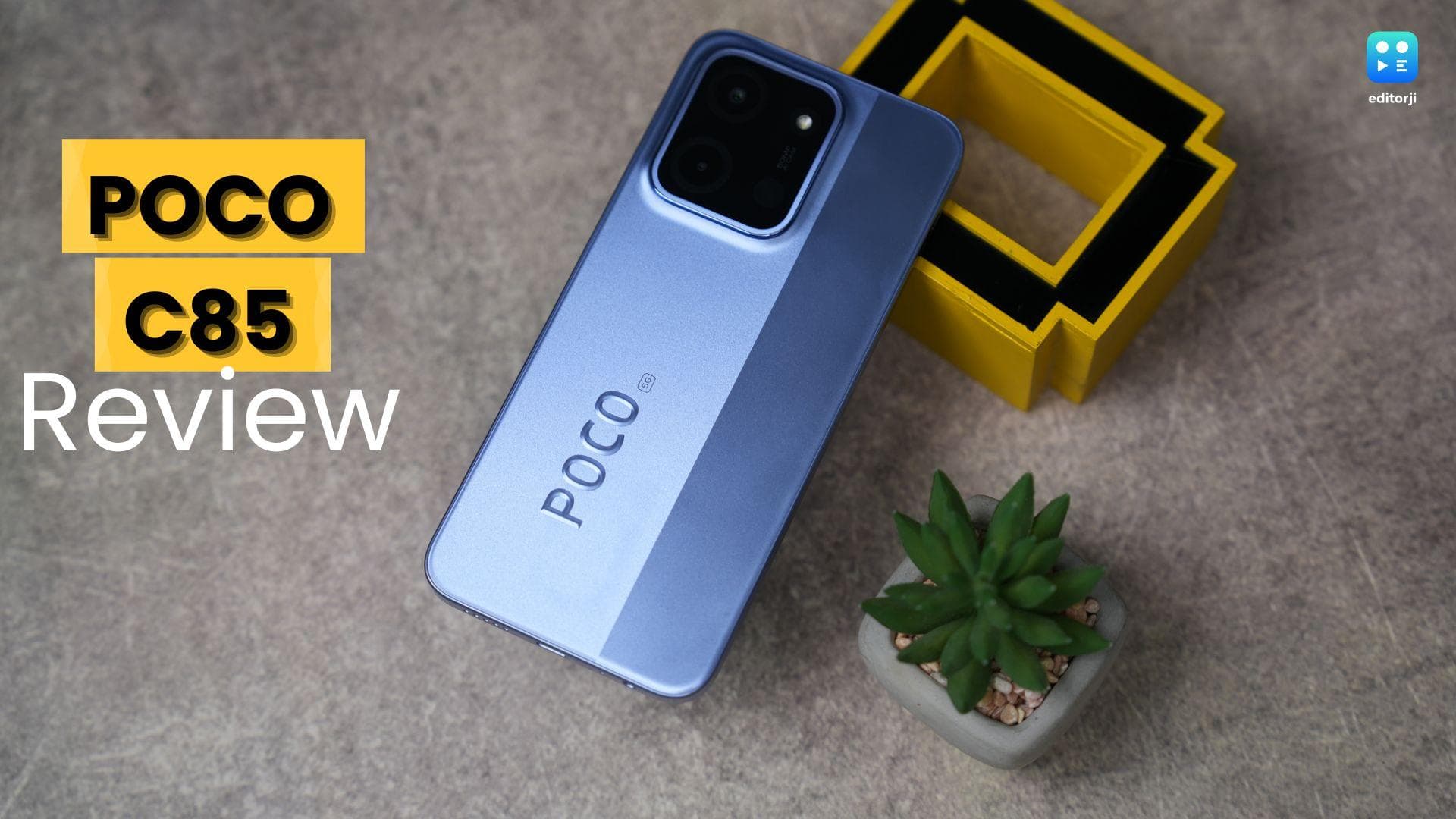
POCO C85: A strong package with some rough edges
POCO C85: A strong package with some rough edges

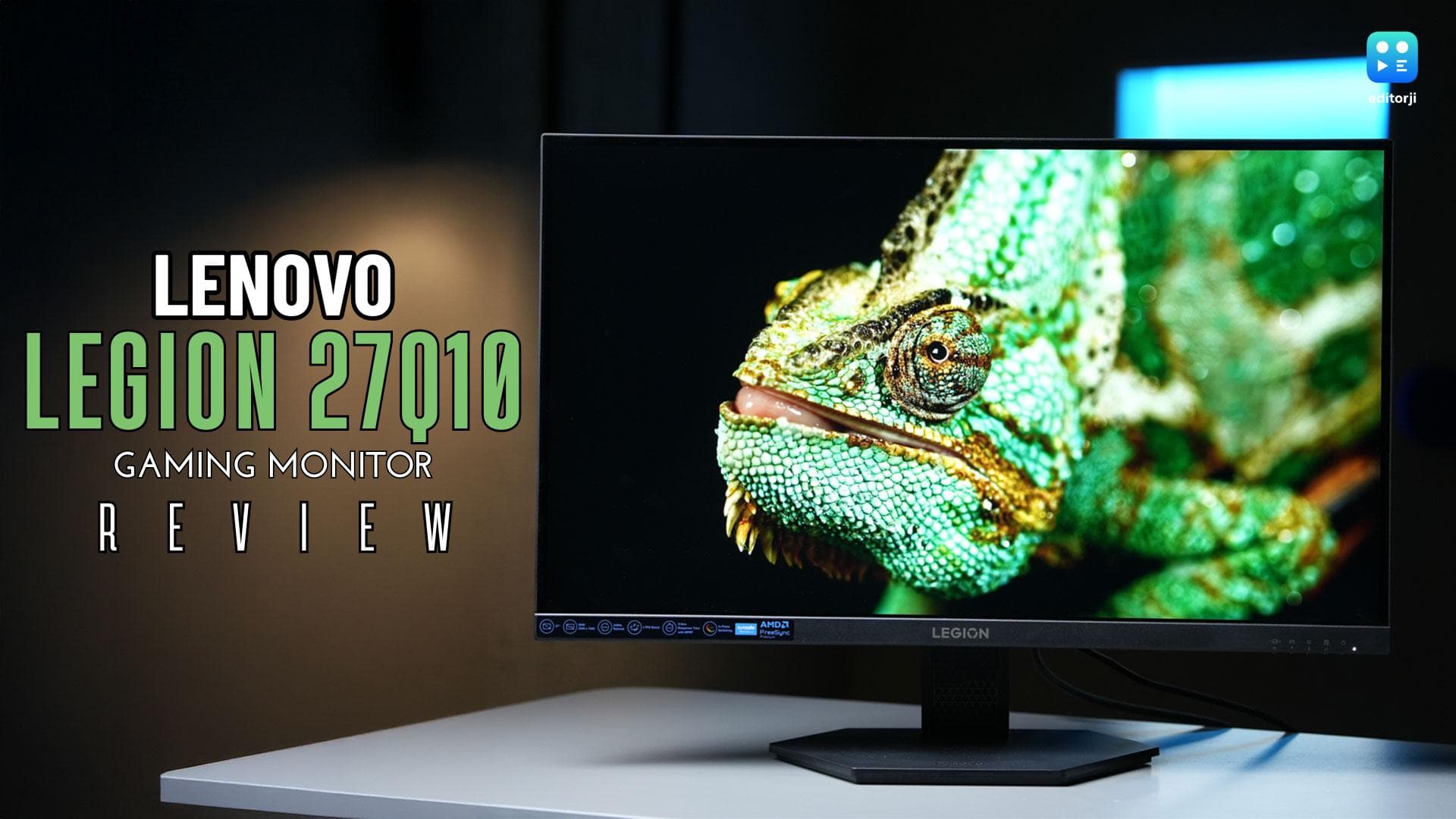
Lenovo Legion 27Q10 Review: A serious gaming monitor under ₹20,000
Lenovo Legion 27Q10 Review: A serious gaming monitor under ₹20,000

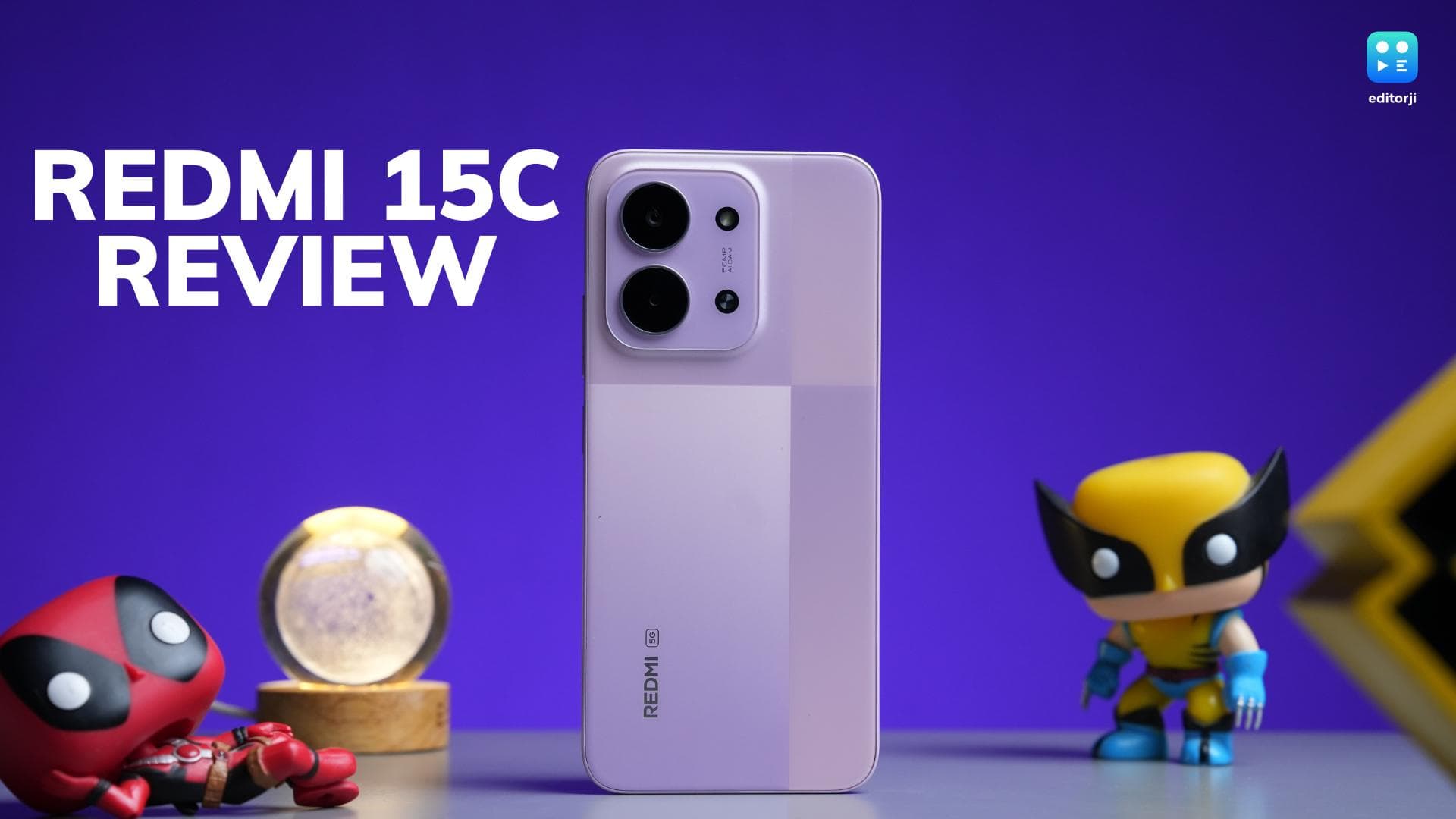
Redmi 15C 5G Review: Xiaomi’s budget phone that just refuses to die in a day

Redmi 15C 5G Review: Xiaomi’s budget phone that just refuses to die in a day

ADVERTISEMENT

editorji-whatsApp

More videos

Samsung Galaxy M17 5G Review: Best Budget Samsung Phone Under ₹15,000?

Samsung Galaxy M17 5G Review: Best Budget Samsung Phone Under ₹15,000?

OnePlus 15R first look: OnePlus changes the R-series playbook

OnePlus 15R first look: OnePlus changes the R-series playbook

OnePlus Pad Go 2 First Look: Larger display, more polish, but does it work?

OnePlus Pad Go 2 First Look: Larger display, more polish, but does it work?

Realme Watch 5 Review: A budget smartwatch that gets the basics right

Realme Watch 5 Review: A budget smartwatch that gets the basics right

Realme P4x Review: Budget performer with a beast of a battery

Realme P4x Review: Budget performer with a beast of a battery

Nothing Phone 3a Community Edition ASMR Unboxing & First Look: For the fans, by the fans

Nothing Phone 3a Community Edition ASMR Unboxing & First Look: For the fans, by the fans

Comic Con Delhi 2025: Sony PlayStation Leads the Floor

Comic Con Delhi 2025: Sony PlayStation Leads the Floor

OnePlus marks 12 years in India with a new six-star lineup for the 15R reveal

OnePlus marks 12 years in India with a new six-star lineup for the 15R reveal

Vivo X300 Pro Review: Pro-grade cameras, fantastic performance, but is it truly unbeatable?

Vivo X300 Pro Review: Pro-grade cameras, fantastic performance, but is it truly unbeatable?

Realme Watch 5 First Look: Inside the factory where It’s Made in India

Realme Watch 5 First Look: Inside the factory where It’s Made in India

Editorji Technologies Pvt. Ltd. © 2022 All Rights Reserved.