Highlights

  • Windows 11 Android app support comes to 21 new countries
  • India still not included
  • Apps available via Amazon Appstore

Latest news
AAP calls Punjab district panchayat win historic, eyes Gujarat local body polls

AAP calls Punjab district panchayat win historic, eyes Gujarat local body polls

Gujarat AAP MLA Chaitar Vasava questions police action against tribal villagers in Banaskantha

Gujarat AAP MLA Chaitar Vasava questions police action against tribal villagers in Banaskantha

Sitharaman introduced Securities Markets Code Bill in Lok Sabha, proposes to send it to parliamentary committee

Sitharaman introduced Securities Markets Code Bill in Lok Sabha, proposes to send it to parliamentary committee

OnePlus 15R review: A clear shift in what the R-series stands for

OnePlus 15R review: A clear shift in what the R-series stands for

PM Modi departs for Oman on last leg of three-nation visit

PM Modi departs for Oman on last leg of three-nation visit

India closes visa application centre in Bangladesh capital due to security situation

India closes visa application centre in Bangladesh capital due to security situation

Congress misleading public on National Herald case, matter still in court: BJP

Congress misleading public on National Herald case, matter still in court: BJP

Pakistan to sell 100 pc stake in PIA after bidders demand complete control post-privatisation

Pakistan to sell 100 pc stake in PIA after bidders demand complete control post-privatisation

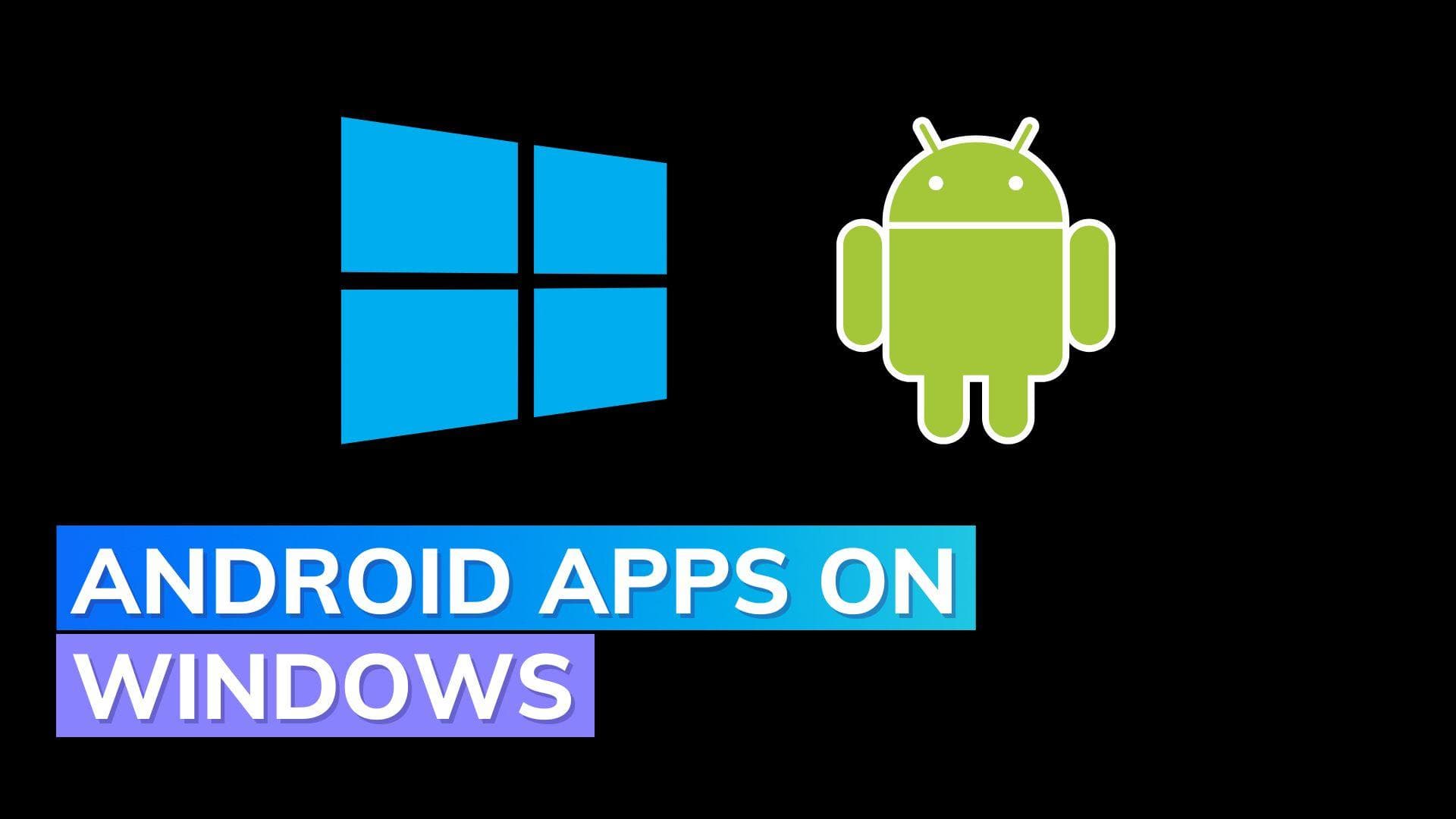
Android app support on Windows 11 rolling out in more countries

It has been a year since the release of Windows 11, yet Android app compatibility is still not available globally.

Android app support on Windows 11 rolling out in more countries

Microsoft is finally adding support for Android apps to Windows 11 in 21 countries other than the US. This has been a long time coming.

Windows Subsystem for Android (WSA) can now be downloaded in more countries which allows Android app functionality on Windows 11. With this update, more people will be able to download a limited number of Android applications via the Amazon Appstore.

Microsoft's documentation specifies that the computer must have at least 8GB of RAM, an SSD (solid-state drive), an Intel core i3 8th Gen processor or later, and the Virtual Machine Platform setting must also be enabled.

WSA employs virtualisation and is based on the Windows Subsystem for Linux, therefore these needs should not come as a surprise.

Anyone who has purchased a mid-range or high-end PC during the past few years should not have any issues. Obviously, if you have more RAM and a better CPU, your experience with Android apps and games will be better.

WSA for Windows 11 is now being distributed to users in Andorra, Austria, Belgium, France, Germany, Gibraltar, Guernsey, Ireland, Isle of Man, Italy, Japan, Jersey, Liechtenstein, Luxembourg, Monaco, San Marino, Spain, Switzerland, United Kingdom, United States, and Vatican City.

However, India is still not included on the list.

If you want to enable Android app compatibility on your Windows 11 PC, visit the Microsoft Store > download Amazon Appstore > and, when requested, install Windows Subsystem for Android.

After installation, enter the Amazon Appstore and sign in with your Amazon credentials to explore apps. Currently, the Amazon Appstore offers a limited number of apps, but there are ways to sideload apps.

Also watch: Fifth-generation Echo Dot launched with in-built mesh networking

ADVERTISEMENT

Up Next

Android app support on Windows 11 rolling out in more countries

Android app support on Windows 11 rolling out in more countries

OnePlus 15R review: A clear shift in what the R-series stands for

OnePlus 15R review: A clear shift in what the R-series stands for

POCO C85: A strong package with some rough edges

POCO C85: A strong package with some rough edges

Lenovo Legion 27Q10 Review: A serious gaming monitor under ₹20,000

Lenovo Legion 27Q10 Review: A serious gaming monitor under ₹20,000

Redmi 15C 5G Review: Xiaomi’s budget phone that just refuses to die in a day

Redmi 15C 5G Review: Xiaomi’s budget phone that just refuses to die in a day

Samsung Galaxy M17 5G Review: Best Budget Samsung Phone Under ₹15,000?

Samsung Galaxy M17 5G Review: Best Budget Samsung Phone Under ₹15,000?

ADVERTISEMENT

editorji-whatsApp

More videos

OnePlus 15R first look: OnePlus changes the R-series playbook

OnePlus 15R first look: OnePlus changes the R-series playbook

OnePlus Pad Go 2 First Look: Larger display, more polish, but does it work?

OnePlus Pad Go 2 First Look: Larger display, more polish, but does it work?

Realme Watch 5 Review: A budget smartwatch that gets the basics right

Realme Watch 5 Review: A budget smartwatch that gets the basics right

Realme P4x Review: Budget performer with a beast of a battery

Realme P4x Review: Budget performer with a beast of a battery

Nothing Phone 3a Community Edition ASMR Unboxing & First Look: For the fans, by the fans

Nothing Phone 3a Community Edition ASMR Unboxing & First Look: For the fans, by the fans

Comic Con Delhi 2025: Sony PlayStation Leads the Floor

Comic Con Delhi 2025: Sony PlayStation Leads the Floor

OnePlus marks 12 years in India with a new six-star lineup for the 15R reveal

OnePlus marks 12 years in India with a new six-star lineup for the 15R reveal

Vivo X300 Pro Review: Pro-grade cameras, fantastic performance, but is it truly unbeatable?

Vivo X300 Pro Review: Pro-grade cameras, fantastic performance, but is it truly unbeatable?

Realme Watch 5 First Look: Inside the factory where It’s Made in India

Realme Watch 5 First Look: Inside the factory where It’s Made in India

Vivo X300 Review: Compact flagship, powerful performance, but what about the cameras?

Vivo X300 Review: Compact flagship, powerful performance, but what about the cameras?

Editorji Technologies Pvt. Ltd. © 2022 All Rights Reserved.