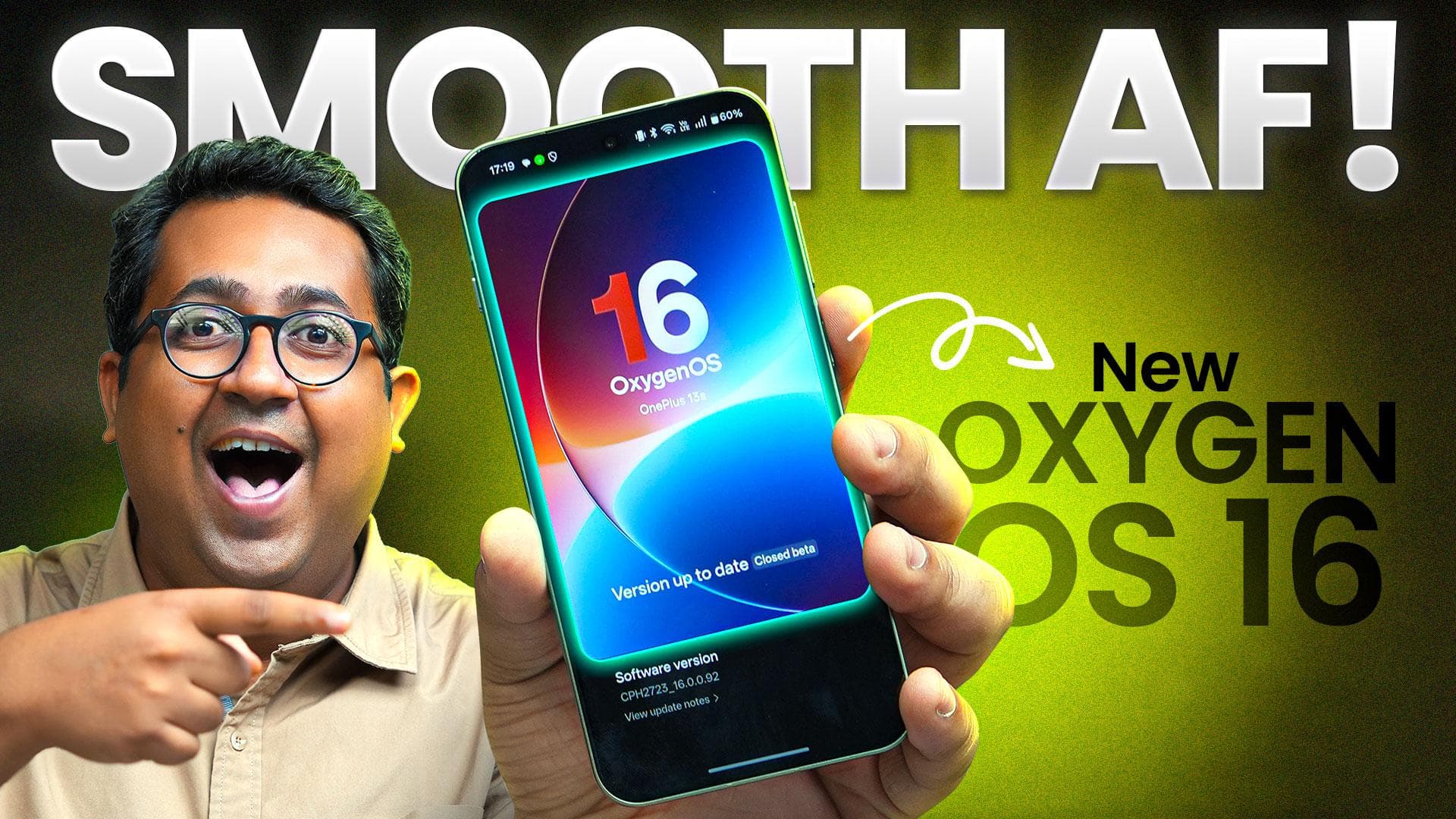
OnePlus has been doing something really interesting with OxygenOS.
I’ve been using the closed beta of OxygenOS 16 on my OnePlus 13S, and I’ll be honest, it feels like a massive jump from OxygenOS 15.
It’s not just smoother; it’s much smarter.
And this time, AI actually feels a lot more useful than it ever has been on a smartphone.
Major design changes
Let’s start with the basics first. The first thing you notice about OxygenOS 16 is how buttery smooth everything is. Animations are ridiculously smooth.
That’s because of OnePlus’ new Flow Motion and Parallel Processing 2.0. Fancy names, but what they do is simple:
When you’re scrolling through the UI, every animation starts even before the previous one finishes. It’s small, but it makes the whole system feel instant.
There’s also a new design language called “Breathe With You.” Everything looks softer, more fluid.
You’ve got Rounded corners, a light Gaussian blur, subtle lighting effects in apps like Calculator and Compass. It looks a little like Liquid Glass from iOS 26, but hey, I am not complaining.
There are some new customisation features too.
You have this new flux-themed lock screen that lets you add a ton of widgets, depth effect etc. This looks really cool.
On the home page, now, you can not only resize widgets, but also resize and reshape icons and folders. I’ve made my most-used apps bigger, so my home screen looks like this neat little dashboard.
There’s also a new icon theme called Flux. Basically, your app icons get a single colour palette. Looks clean, feels premium.
AI, Mind Space and Plus Mind
But the real star here is AI, especially in Plus Mind and Mind Space.
So, a quick explainer. Plus Mind is OnePlus’s AI system.
Mind Space is like your smart notebook. You can dump screenshots, voice notes, etc.
Plus Mind will go through all of that, and if there are any actionable pieces, like adding a reminder to your Calendar, it will prompt you to save that.
Plus, it will generate basic summaries and keep everything organised.
Now, with OxygenOS 16, Plus Mind can also create folders or collections, and group screenshots and notes around similar topics.
For example, I’m hosting a small party soon and have been grabbing a lot of screenshots of food items, cocktails, etc. from Instagram pages and websites using the Plus Key
All of that goes straight into Mind Space. Plus Mind will suggest that I create a collection of all these screenshots. Or, I can create a collection of my own, and Plus Mind will sort all of the screenshots that I take into these collections.
I can also then ask Mind Space to create a party menu for me. It goes through everything I’d saved in that collection, pick out the right items for a menu and creates a proper shareable list.
No need to juggle between tabs or take notes, just my screenshots turned into an actual plan.
But where OnePlus has made things truly magical is by integrating Gemini with Mind Space
Let’s say you’re planning a two-day trip to Osaka to explore its food scene and have saved a lot of screenshots of reels, Insta posts and blogs.
Just ask Gemini to go inside Mind Space and plan a trip. Gemini will now go through everything you’ve saved, analyse it and within seconds, build a full itinerary, only from the information that you have saved. How neat is that!
There are some other AI upgrades too.
If you’re feeling lazy on Instagram, you can ask your AI Writer to write captions right inside the Instagram app.
Or when you’re reading something long, like an article or guide, you can select the text and ask the AI Writer to turn it into a table or a mind map.
I used it for my mom, who’s heading to Berlin for a work trip.
I fed it a travel article about the metro system, asked it to make a mind map, and it spat out a clean diagram that I could export as a JPG, PDF or even share it over as a note. That’s super handy.
Even the Photos app gets some new AI features.
There’s AI relighting, which basically adds fill light to your photos, but in a very smart way.
It doesn’t just crank up brightness; it analyses the scene, fixes colour, and lets you tweak how much glow you want.
Then there’s AI Perfect Shot. You know those moments when your eyes are half-closed or your expression’s a bit off?
You can literally fix that now. OnePlus’ AI will go through your gallery and find a better face from your other pictures and swap it in. It’s not perfect every time, but when it works, it’s freakishly good.
OnePlus also has a new thing called AI Playlab. It’s like a sandbox where they test experimental AI tools. One feature called “Party Up” can turn a single photo into a short video.
It's open only to a few select members in the OnePlus Community, but boy, does it look like fun!
Security and Privacy
Of course, with all this AI, the big question is privacy. OnePlus seems ready for it.
OxygenOS 16 brings the Private Computing Cloud, which encrypts everything using both the CPU and GPU.
Basically, your sensitive data stays private. Even OnePlus can’t access it.
And if your phone ever goes missing, there’s Plus Lock. You can remotely lock your device, and with 11 layers of encryption plus two-factor verification, your data’s untouchable.
It’s India-only for now and will roll out first on the OnePlus 15 series, but it’s a nice security feature.
New and improved connectivity features
OnePlus has also fine-tuned how your OnePlus device connects to a PC, a Mac or an iPhone.
Touch-to-Connect for example, works better than ever; you can share photos and videos instantly by tapping phones together.
But yes, you still need to have the O+ Connect App. Even iPhone-to-OnePlus transfers are smoother and faster now.
OnePlus also claims that they’re adding support for Apple Watch
So, now you’ll be able to see notifications, messages, take calls, use Find My Phone and even control your Phone’s camera from the watch
Now, I tried to use it with my Apple Watch Series 10, but for some reason, it did not work.
Probably because I was running the closed Beta. Still, it’s an interesting option!
Verdict
So, what do I make of all this? Well, OxygenOS 15 was already one of the best Android skins in my book.
OxygenOS 16 builds on that, not by changing everything, but by polishing the experience and making AI actually useful.
Mind Space with Gemini is something I can see myself using every day, whether for work, travel, or random plans.
Everything about this update looks like it has huge potential, especially the AI bits.
OxygenOS 16 might just be the Android skin that finally gets the balance right, fast, clean, and genuinely smart.
Other smartphone makers should be taking notes.