Highlights

  • Apple passkeys to allow password-less login on iPhone, iPad and Mac
  • Beta testers can log in using passkeys by scanning a QR code
  • Google also has similar passkey feature on Gmail

Latest news

Dell 14S Launched In India With Core 7 Series 3 Chips, Starts At ₹79,990

Dell 14S Launched In India With Core 7 Series 3 Chips, Starts At ₹79,990

HP unveils OmniBook 5 and ProBook 4 G2iS with OLED displays and AI features
HP unveils OmniBook 5 and ProBook 4 G2iS with OLED displays and AI features

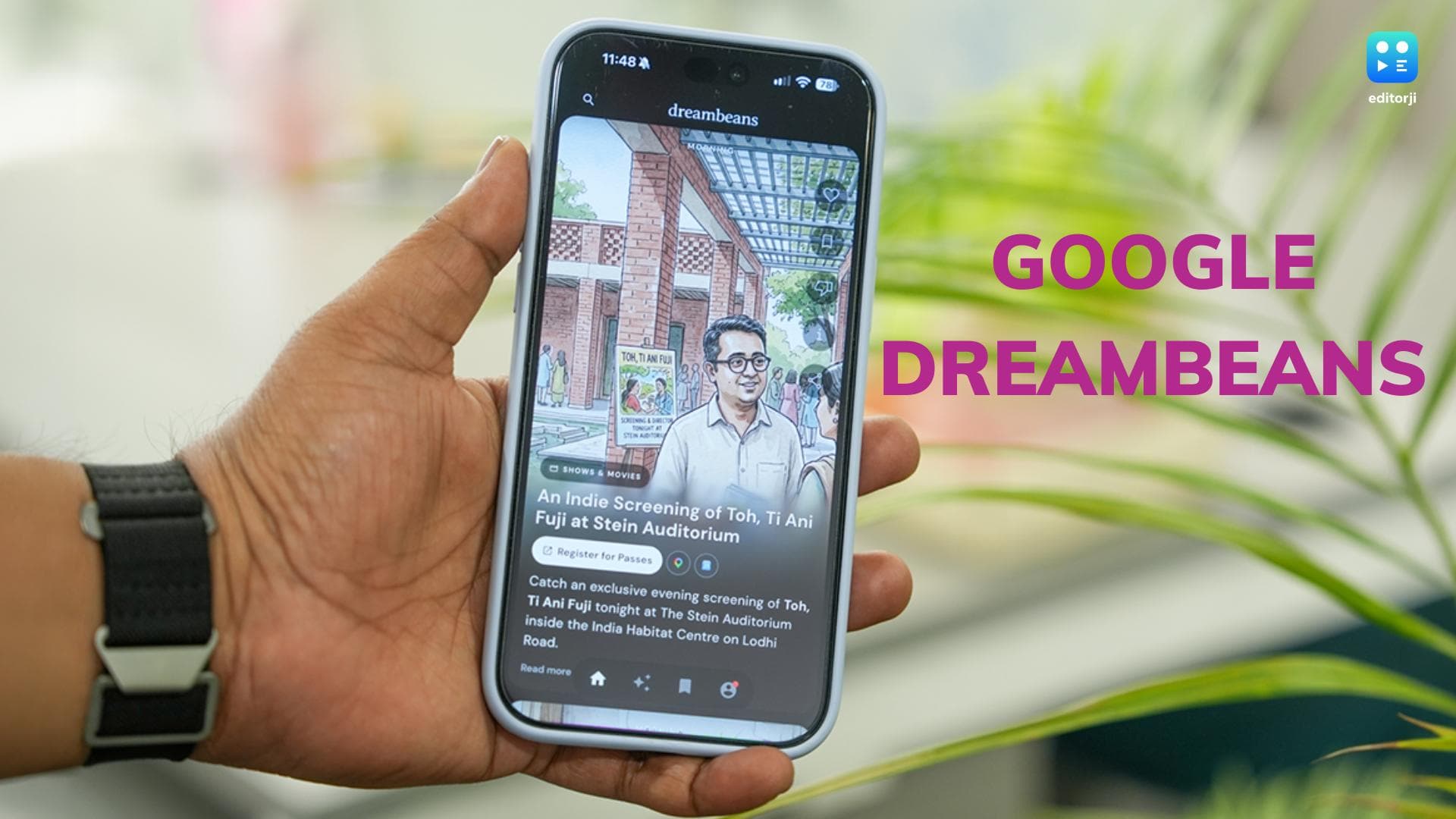
Google Dreambeans: An AI App That Makes Discovery Feel Personal

Google Dreambeans: An AI App That Makes Discovery Feel Personal

ASUS India Brings AI-Powered ExpertBook Business Laptops to Flipkart Big Bang Diwali Sale 2026
ASUS India Brings AI-Powered ExpertBook Business Laptops to Flipkart Big Bang Diwali Sale 2026

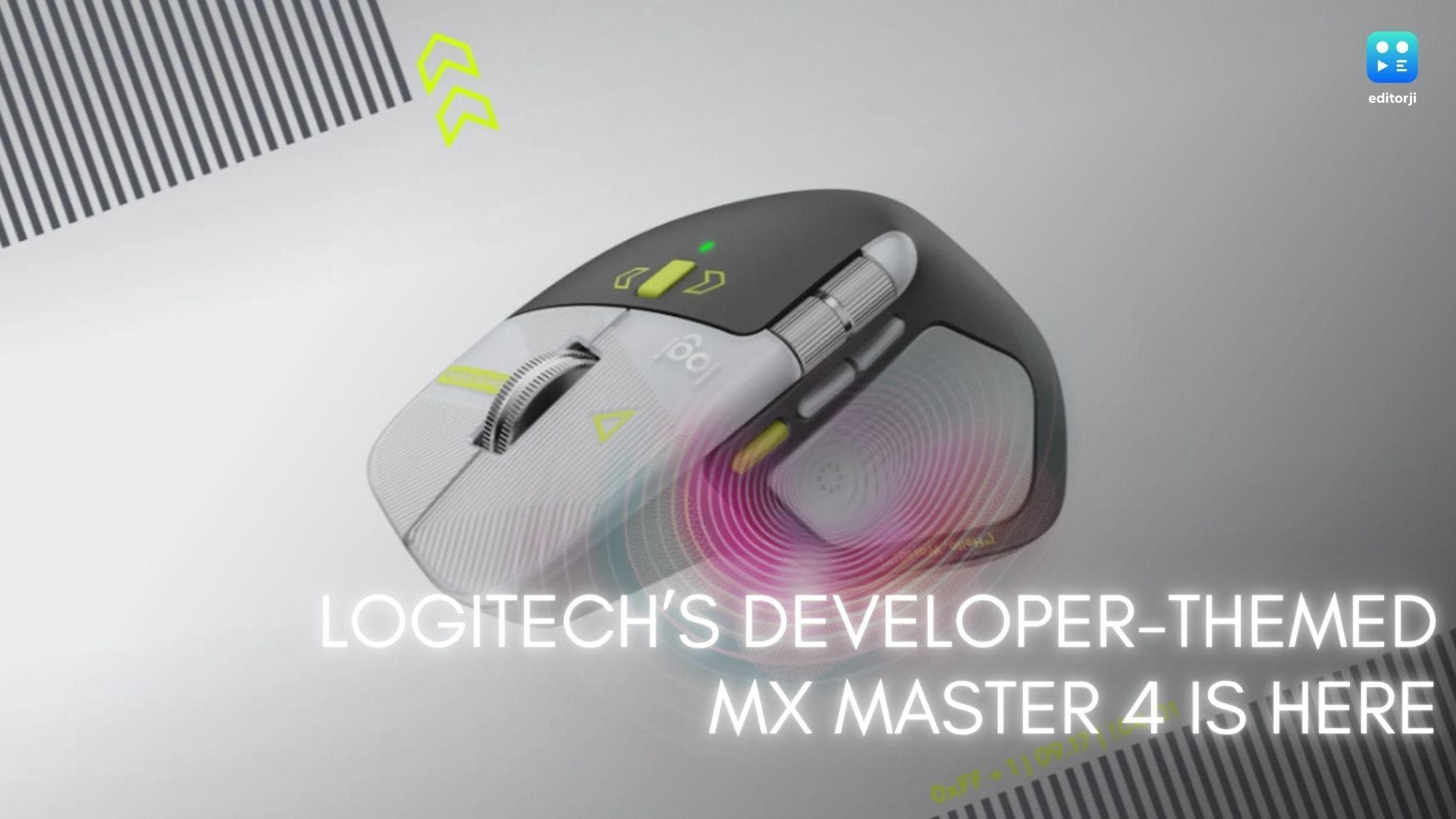
Logitech MX Master 4 Developer Edition Launched In India At ₹20,699
Logitech MX Master 4 Developer Edition Launched In India At ₹20,699

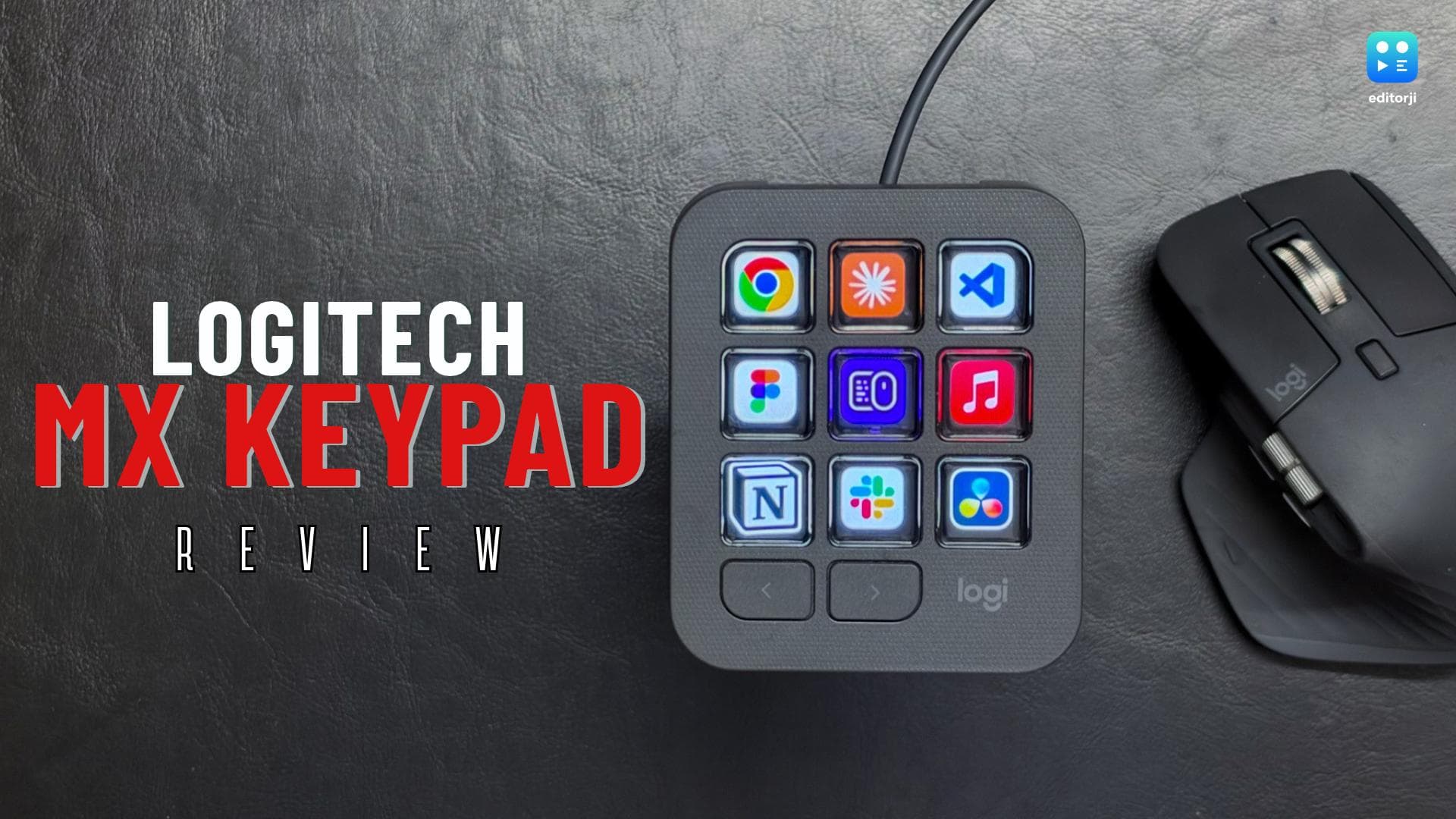
Logitech MX Keypad Review: A Smarter Shortcut Panel For Modern Work

Logitech MX Keypad Review: A Smarter Shortcut Panel For Modern Work

Sony LinkBuds Clip Review: Earbuds That Let Your Ears Breathe 
Sony LinkBuds Clip Review: Earbuds That Let Your Ears Breathe 

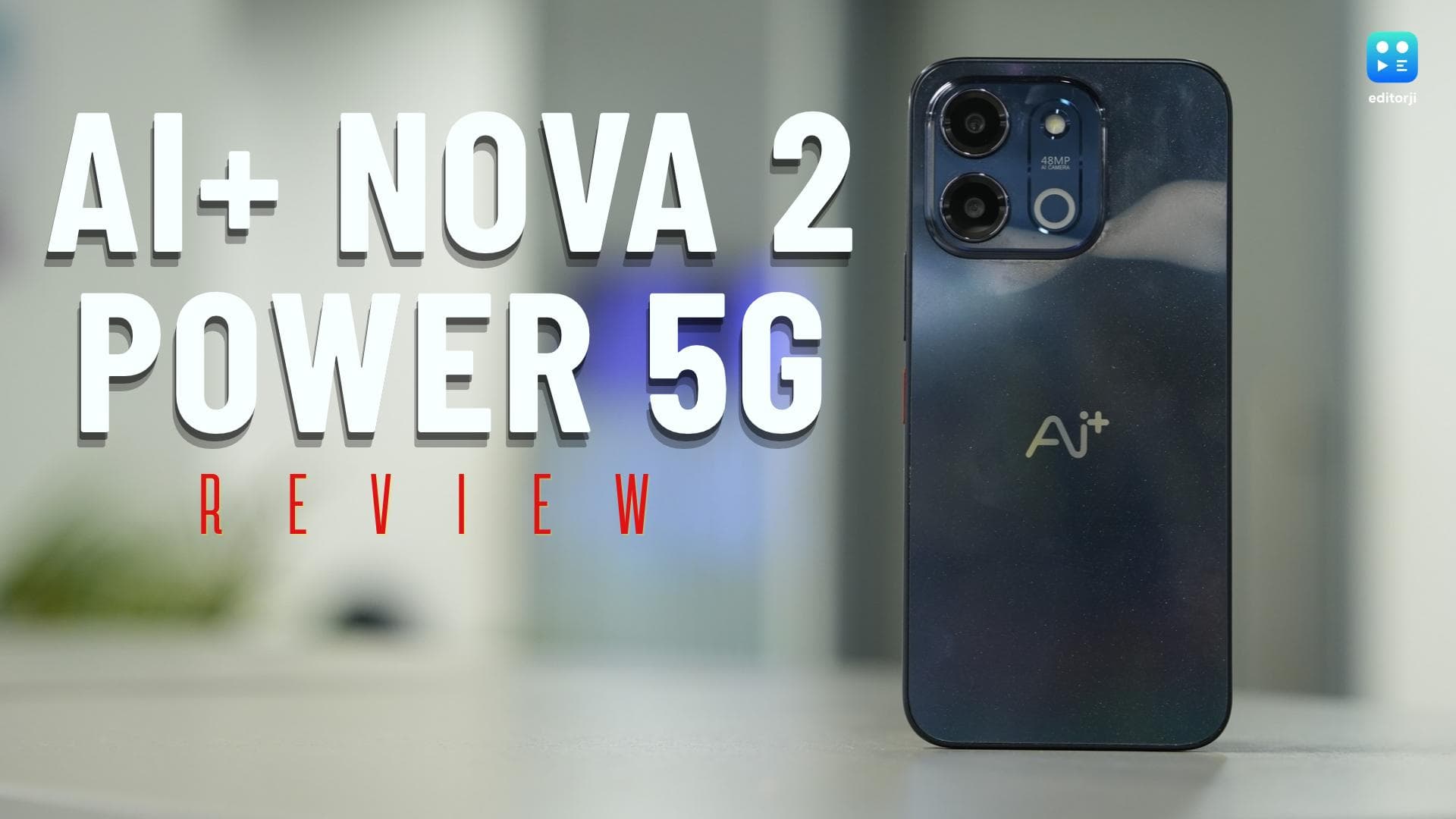
Ai+ Nova 2 Power 5G Review: Marathon Battery Life Meets Everyday Value

Ai+ Nova 2 Power 5G Review: Marathon Battery Life Meets Everyday Value

Big iOS 17 Update: Apple IDs now with Passkeys support for major Apple devices

Apple is introducing a passkey system that allows iPhone, iPad and Mac users to log in without passwords.

Big iOS 17 Update: Apple IDs now with Passkeys support for major Apple devices

Apple is set to introduce a password-less system on its iPhone, iPad and Mac, allowing users to log in without the need for passwords.

Users will receive an assigned passkey which they can use with FaceID or TouchID saved on their Apple devices to access any application or tool linked to their Apple ID.

The new system is expected to be available to the public after the release of the iOS 17, iPadOS 17 and macOS Sonoma.

Beta testers are already able to incorporate the passkey feature on third-party applications such as Reddit, Twitter, and Windows PC in Chrome. They can sign in by scanning the QR code with their iPhone.

Apple users can now log in to the Apple website or iCloud directly via a Chrome or Edge browser using their passkey.

With the passkey feature, users have access to their backed-up data, which includes Drive, Notes, Contacts, Mail, Photos and Calendar files. The option for iCloud Find Devices is also available on the iCloud Web.

Meanwhile, Google has added a passkey feature to Gmail enabling users to sign in without entering a password, using biometric IDs instead. Google users can activate the mode manually by tapping on their profile photo, managing their Google account, going to security and finally passkeys.

Also watch: OnePlus Nord 3 India launch confirmed for July: check leaked specs here!

Frequently Asked Questions

Apple is introducing a password-less system that allows users to log in to iPhone, iPad, and Mac devices without the need for passwords, using an assigned passkey and biometric IDs like FaceID or TouchID.

ADVERTISEMENT

Up Next

Big iOS 17 Update: Apple IDs now with Passkeys support for major Apple devices

Big iOS 17 Update: Apple IDs now with Passkeys support for major Apple devices

HP unveils OmniBook 5 and ProBook 4 G2iS with OLED displays and AI features

HP unveils OmniBook 5 and ProBook 4 G2iS with OLED displays and AI features

Google Dreambeans: An AI App That Makes Discovery Feel Personal

Google Dreambeans: An AI App That Makes Discovery Feel Personal

ASUS India Brings AI-Powered ExpertBook Business Laptops to Flipkart Big Bang Diwali Sale 2026

ASUS India Brings AI-Powered ExpertBook Business Laptops to Flipkart Big Bang Diwali Sale 2026

Logitech MX Master 4 Developer Edition Launched In India At ₹20,699

Logitech MX Master 4 Developer Edition Launched In India At ₹20,699

Logitech MX Keypad Review: A Smarter Shortcut Panel For Modern Work

Logitech MX Keypad Review: A Smarter Shortcut Panel For Modern Work

ADVERTISEMENT

editorji-whatsApp

More videos

Sony LinkBuds Clip Review: Earbuds That Let Your Ears Breathe 

Sony LinkBuds Clip Review: Earbuds That Let Your Ears Breathe 

Ai+ Nova 2 Power 5G Review: Marathon Battery Life Meets Everyday Value

Ai+ Nova 2 Power 5G Review: Marathon Battery Life Meets Everyday Value

Xiaomi Mijia Smart Air Purifier 6 Review: A Capable Choice For Big Rooms

Xiaomi Mijia Smart Air Purifier 6 Review: A Capable Choice For Big Rooms

Shokz OpenRun Pro 2 Review: Great Sound Without Shutting Out The World

Shokz OpenRun Pro 2 Review: Great Sound Without Shutting Out The World

Jabra Evolve3 85 Review: A ₹75,000 Headset Built For The Noisy Workday

Jabra Evolve3 85 Review: A ₹75,000 Headset Built For The Noisy Workday

Apple Redefines the Pro Laptop: New MacBook Pro Debuts OLED PROLED XDR Display, Touch Support, and M5 Pro

Apple Redefines the Pro Laptop: New MacBook Pro Debuts OLED PROLED XDR Display, Touch Support, and M5 Pro

Oppo Enco X4 Review: Dynaudio Sound, Adaptive ANC, And 52-Hour Battery Life

Oppo Enco X4 Review: Dynaudio Sound, Adaptive ANC, And 52-Hour Battery Life

Apple Reboots Creator Studio Suite with MotionVFX, AI Assistants, and Cross-App Workflows

Apple Reboots Creator Studio Suite with MotionVFX, AI Assistants, and Cross-App Workflows

Apple Updates Its iMac With M6 Chip, Seven Vibrant Colours and Advanced AI Features

Apple Updates Its iMac With M6 Chip, Seven Vibrant Colours and Advanced AI Features

Apple Unveils New 14-Inch MacBook Pro With M6 Chip, Promising 24-Hour Battery Life and Big AI Gains

Apple Unveils New 14-Inch MacBook Pro With M6 Chip, Promising 24-Hour Battery Life and Big AI Gains

Editorji Technologies Pvt. Ltd. © 2022 All Rights Reserved.